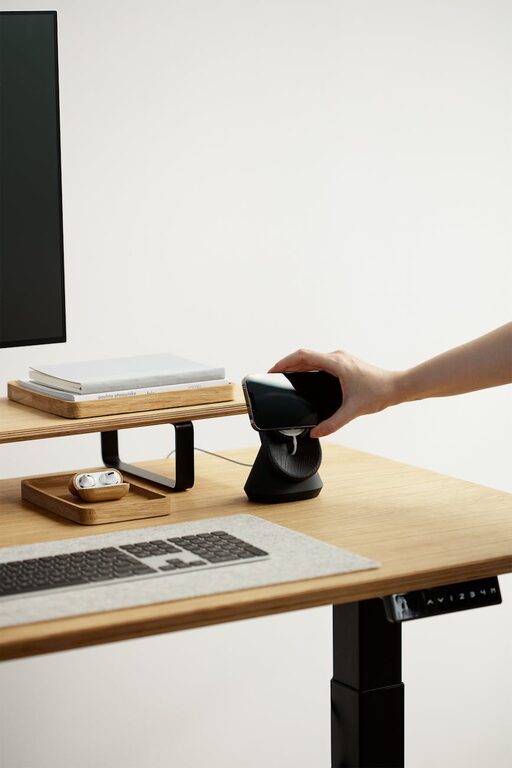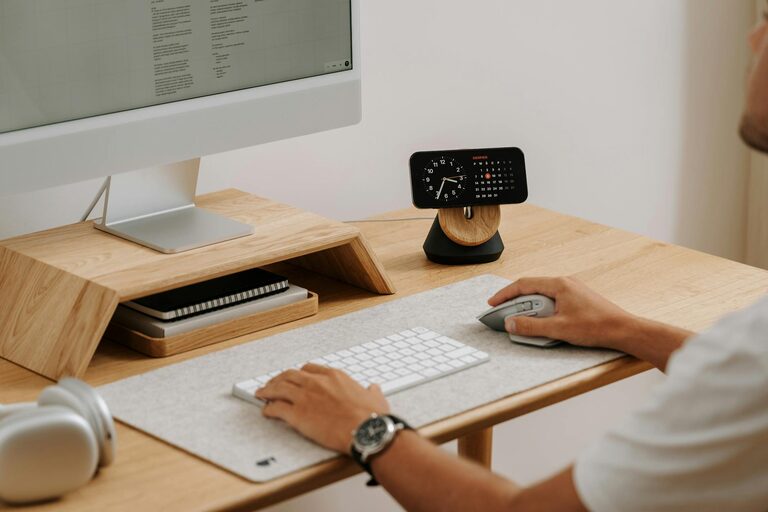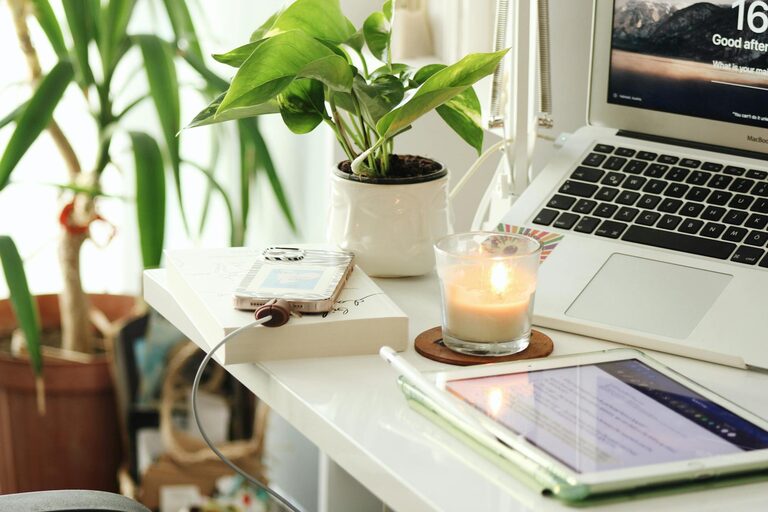
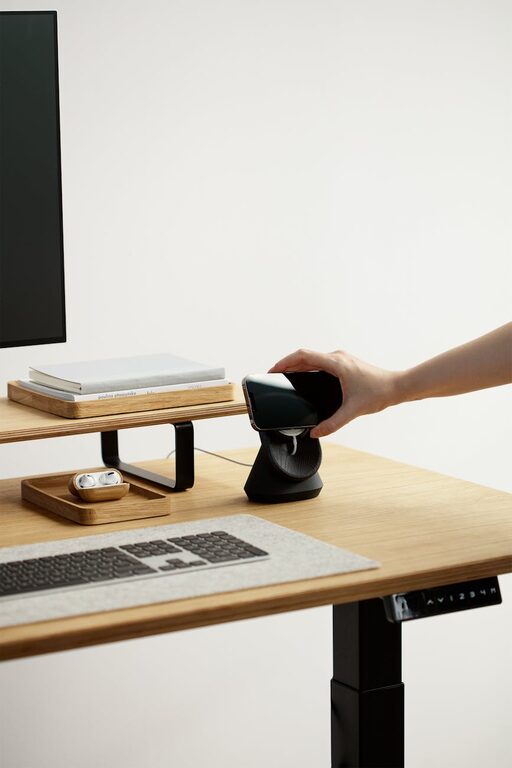
Creating a cozy and productive home office is essential for anyone working remotely or managing tasks from home. A well-designed workspace not only boosts your efficiency but also makes your work hours more enjoyable. In this post, we’ll explore practical tips that combine comfort with functionality, helping you build an inspiring environment right in your home.
1. Choose the Right Location
Consider Natural Light
Picking a spot with plenty of natural light can brighten your mood and reduce eye strain. Near a window is ideal, but if that’s not possible, invest in good-quality artificial lighting that mimics daylight.
Minimize Distractions
Select a quiet corner away from high-traffic areas. If space is limited, use room dividers or noise-cancelling headphones to create a focused atmosphere.
2. Invest in Ergonomic Furniture
Comfortable Chair
A supportive chair is crucial, especially for long work hours. Look for adjustable chairs with lumbar support to maintain good posture.
Functional Desk
Choose a desk that fits your needs, whether it’s for a laptop or multiple monitors. Consider adjustable desks for the option to stand and sit during the day.
3. Organize Your Space Efficiently
Declutter Regularly
A clutter-free desk can help clear your mind. Keep only essentials on your desktop and store other items in drawers or shelves.
Use Storage Solutions
Shelving units, filing cabinets, and drawer organizers keep documents and supplies tidy and accessible.
Cable Management
Use clips, sleeves, or boxes to keep cables neat and out of sight, reducing visual distraction.
4. Personalize for Comfort and Inspiration
Add Soft Textiles
Rugs, cushions, or throws can add warmth and comfort. They also help with sound absorption, creating a quieter workspace.
Include Plants
Indoor plants bring life to your office and improve air quality, making the environment more pleasant.
Decorate Thoughtfully
Incorporate artwork, photos, or motivational quotes that inspire you without overwhelming the space.
5. Manage Lighting Smartly
Layer Your Lighting
Combine ambient, task, and accent lighting for flexibility. Desk lamps with adjustable brightness are perfect for focused work.
Avoid Glare
Position your computer screen to minimize glare from windows or overhead lights, which can cause eye strain.
6. Establish a Productive Routine
Set Boundaries
Define your work hours and communicate them to household members to reduce interruptions.
Take Breaks
Incorporate short breaks to stretch or move. A timer or an app can remind you to step away from your desk regularly.
7. Utilize Technology Wisely
Reliable Equipment
Invest in a stable internet connection, quality headphones, and necessary peripherals like printers or scanners.
Productivity Tools
Use apps and software for task management, time tracking, and communication to streamline your workflow.
8. Keep Air Quality Fresh
Good ventilation improves concentration and overall health. Open windows when possible, use fans, or consider air purifiers.
—
Final Thoughts
Creating a cozy and productive home office is about balancing comfort with efficiency. Focus on ergonomics, organization, and personalization to build a space where you feel motivated and at ease. With these tips, your home office can become a favorite spot that supports your best work.
Remember, the ideal home office reflects your unique needs and preferences, so feel free to experiment and adjust your setup over time. Happy working!